 One brand
Made for a business planning its own content
Every post on its day with its caption and cover, saved to your own Notion. 14 days free, then A$19 a month.
Start free trialDates in a spreadsheet, captions in Notes, covers in Drive, the grid in a preview app, ideas in your camera roll, status in a group chat. Here it's one calendar, with your grid a tap away. Built by a social media manager, saved to your own Notion.
14 days free, then A$19 a month. Priced in AUD, GST included.
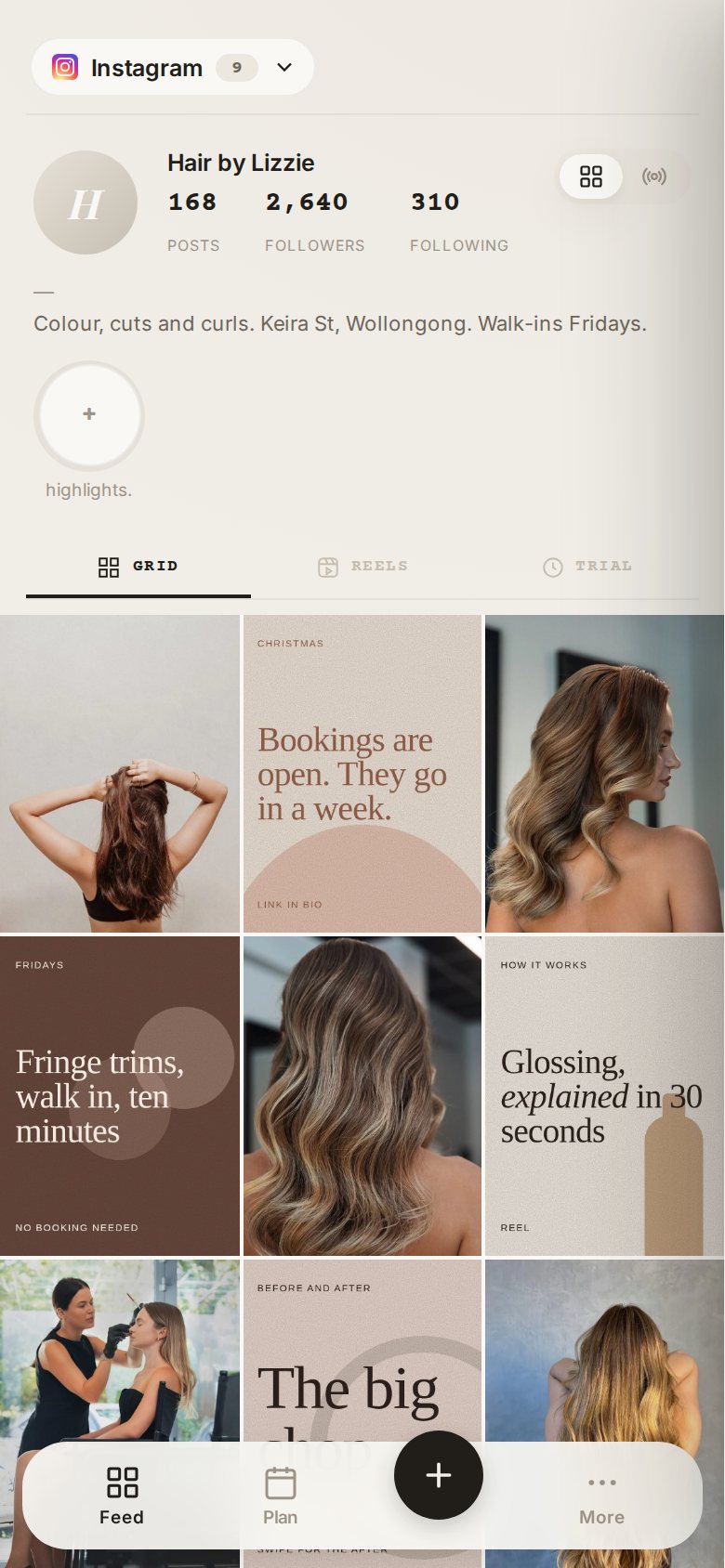
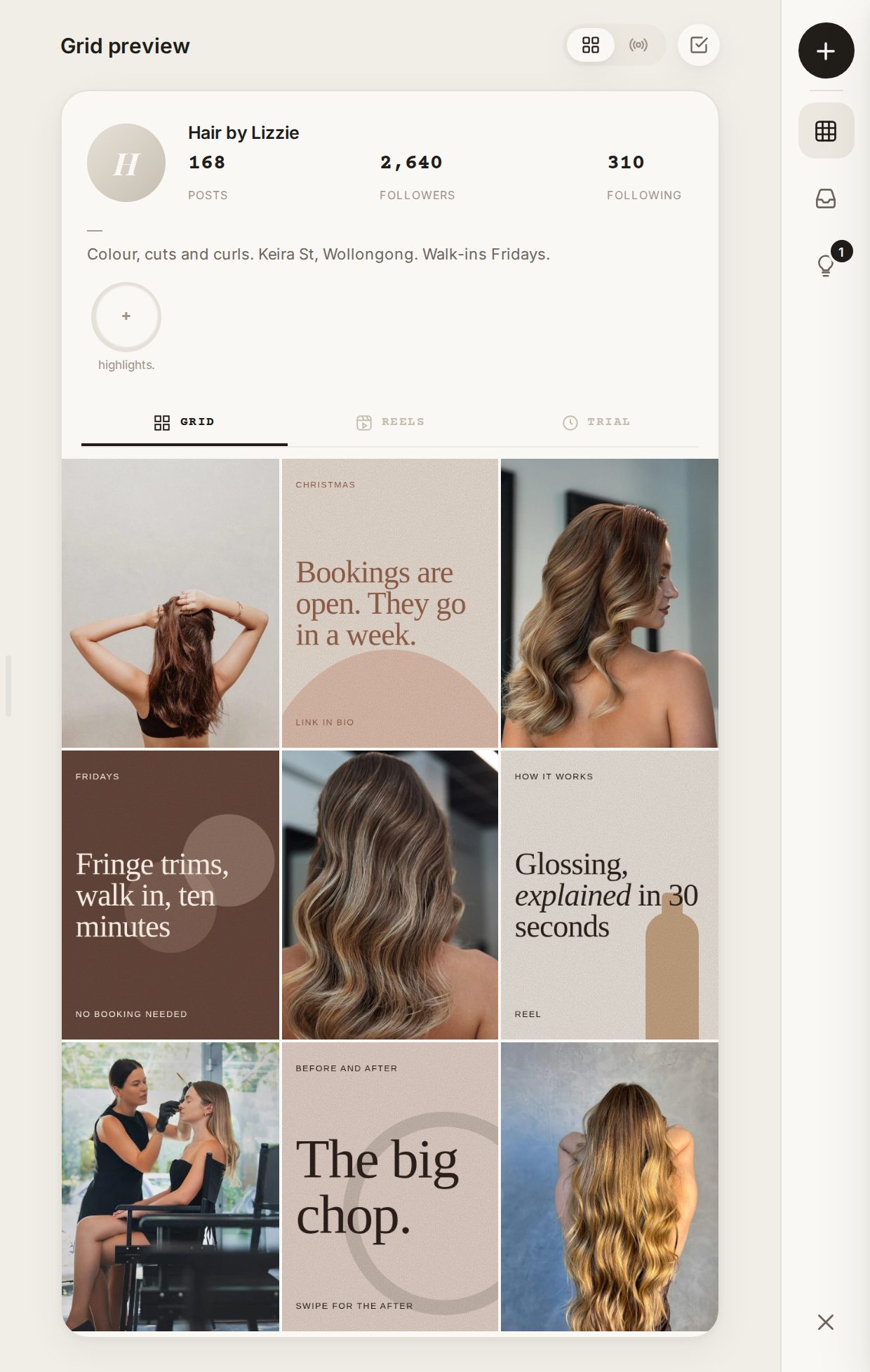
So when a client asks on Sunday night what's going out this week, you open all six to find out. The group chat says it's approved. Approved which version?
Earthy or bright.
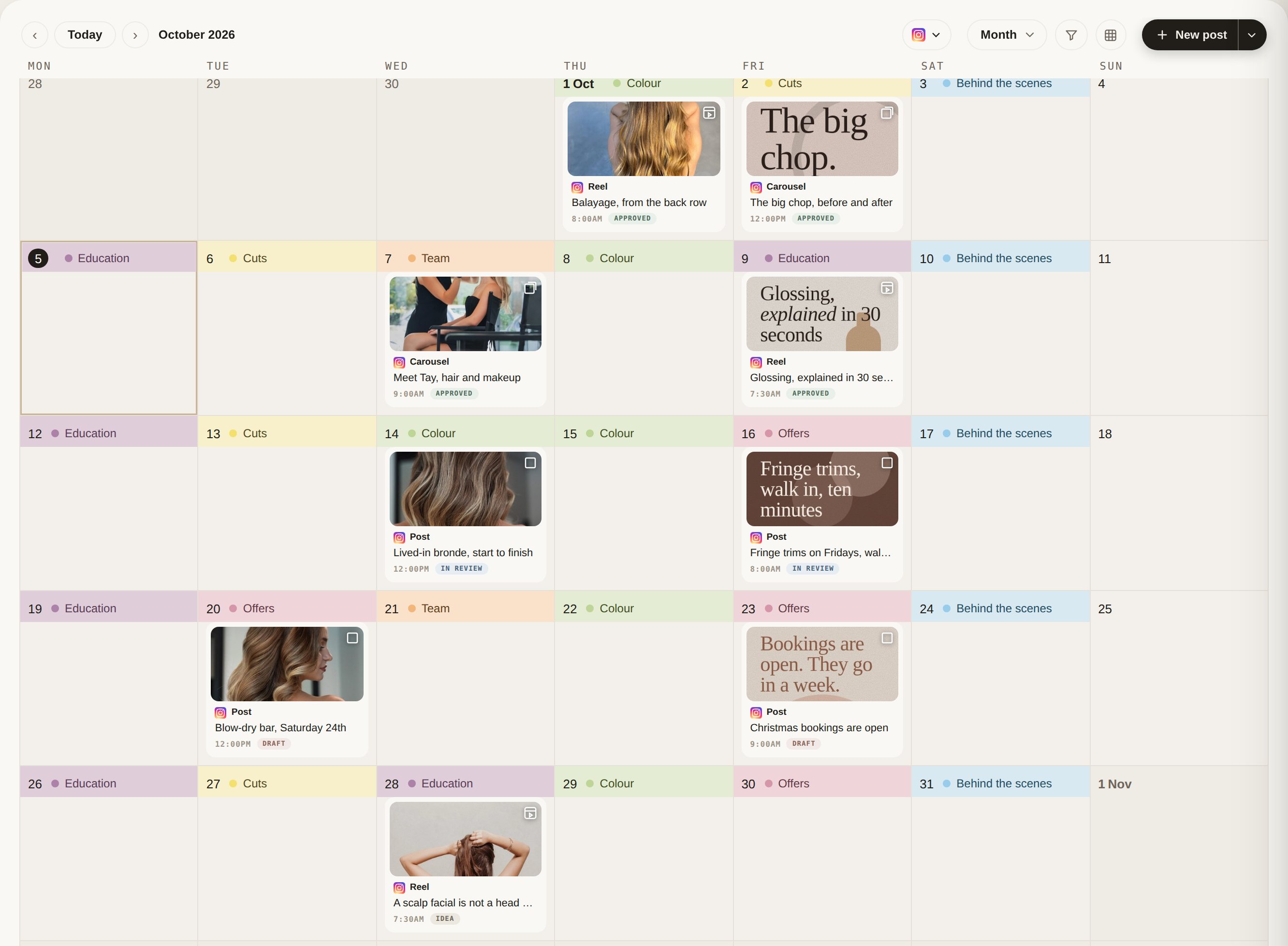
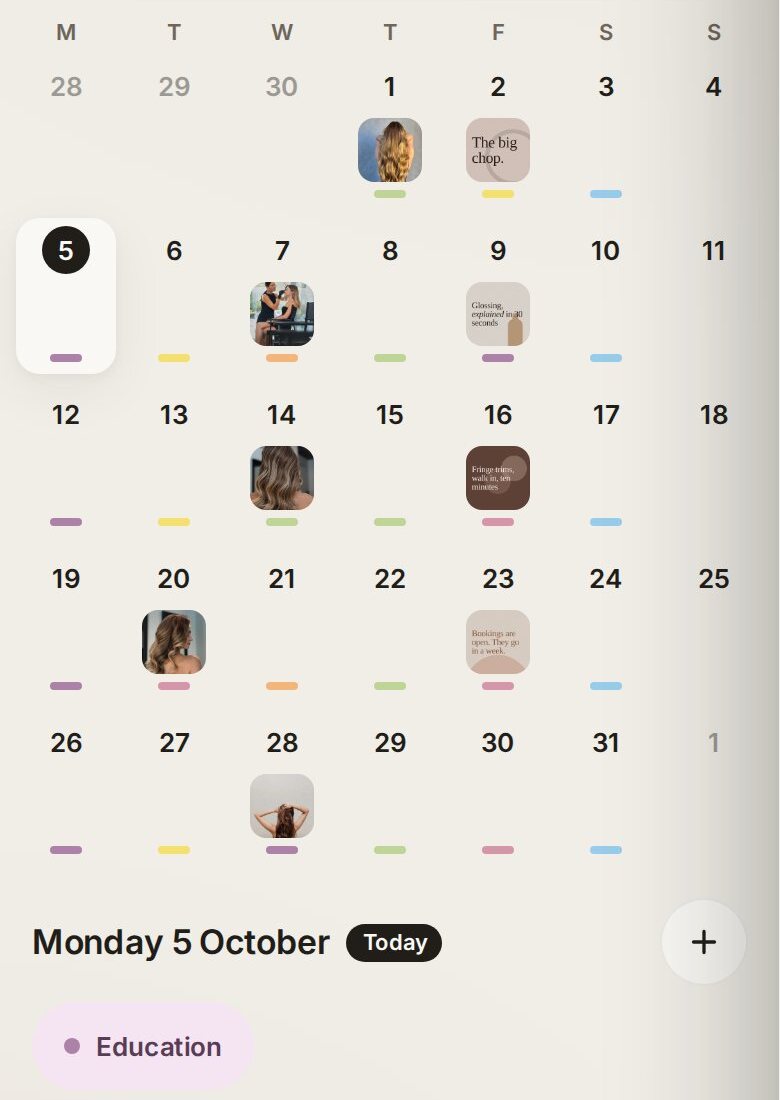
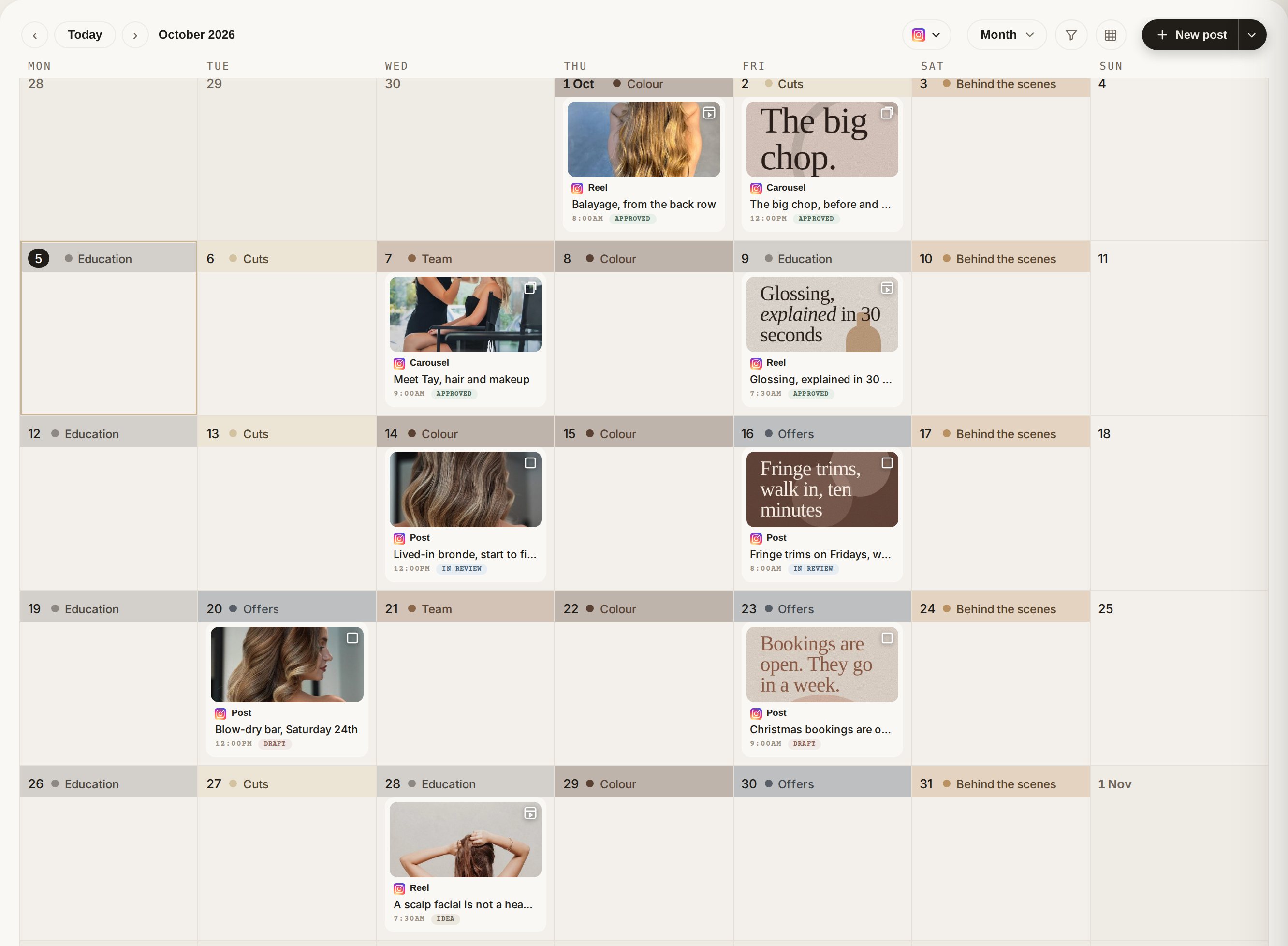
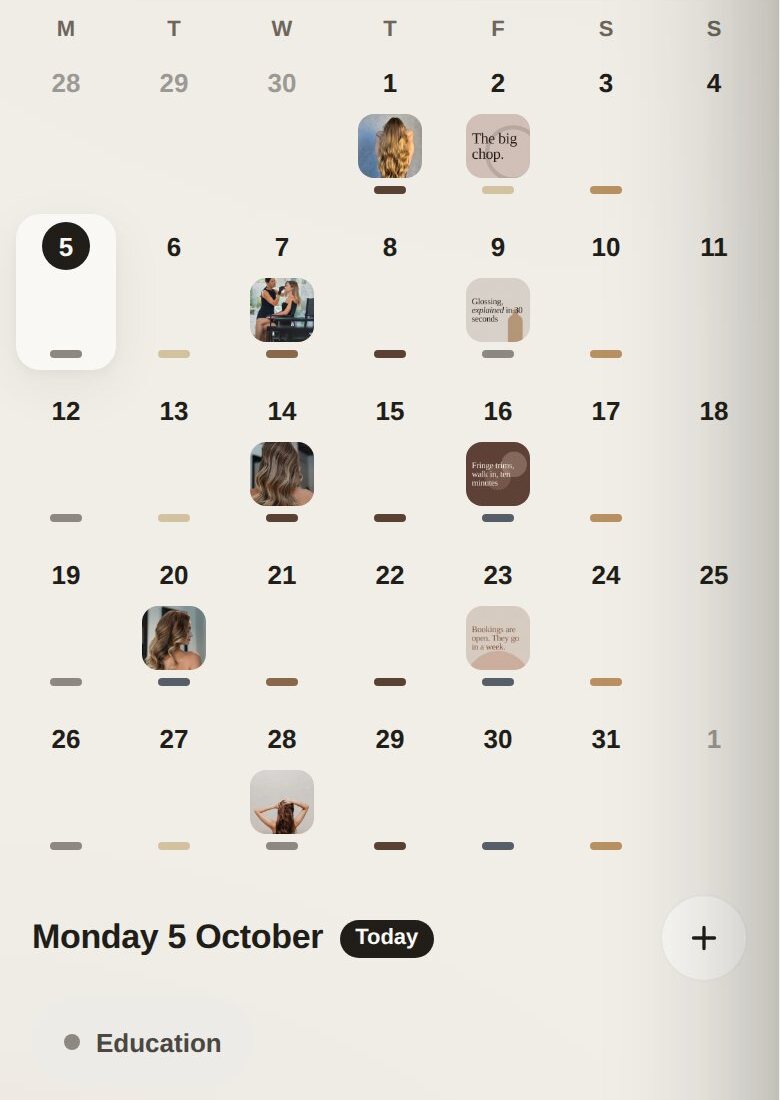
Give each day a pillar and the month colours itself, so you can see at a glance when it is all offers and no education. Pick the set that suits your brand.
Make an account and choose Calendar. It's 14 days free, and nothing is charged until day 15.
Pick a page in your Notion and we build your calendar inside it. No Notion yet? It's free to make one.
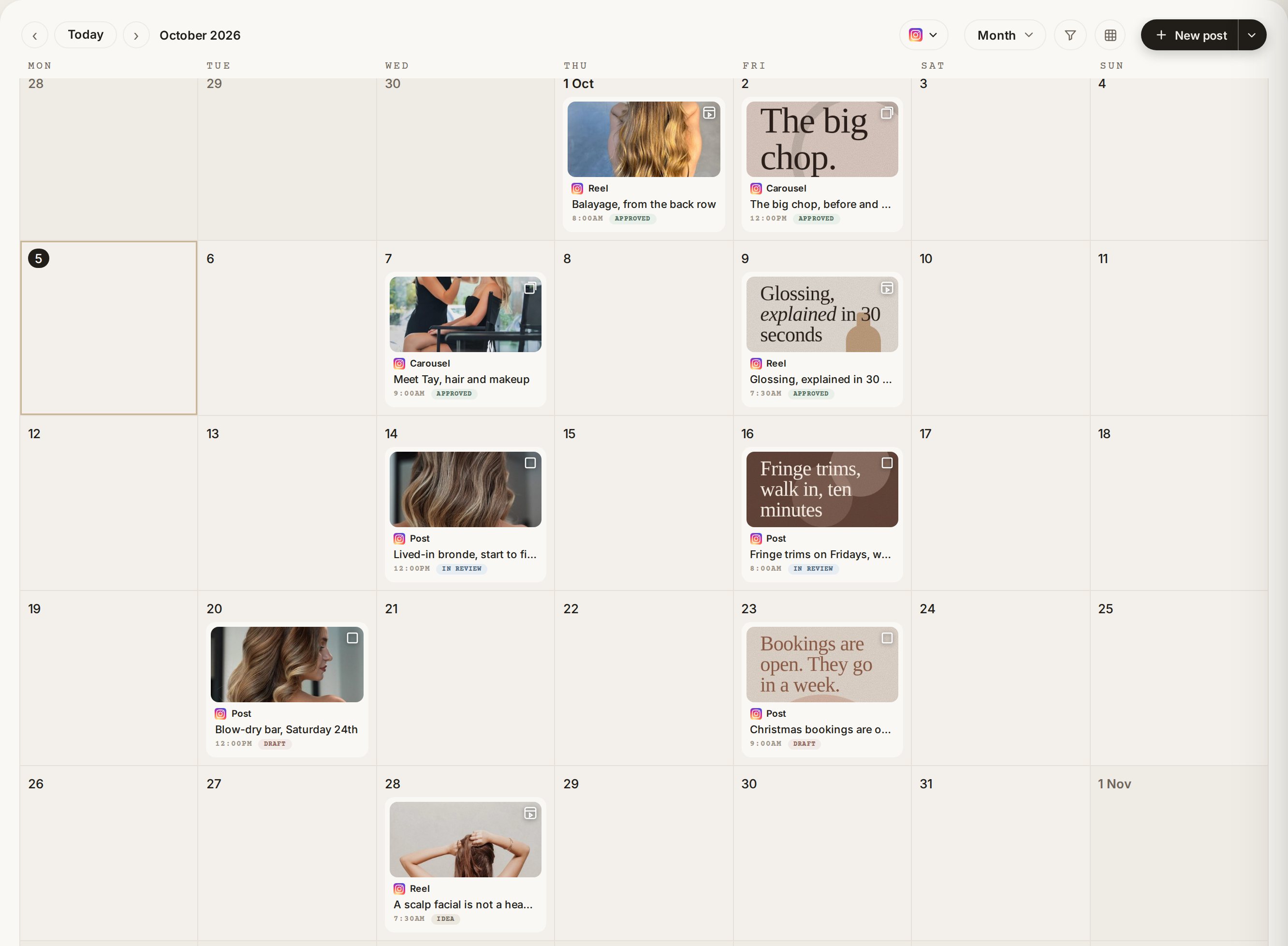
Put each post on its day with its caption and cover, and drag it somewhere else when plans change.
The spreadsheet for dates, Canva for covers, the Notes app for captions, and a group chat asking what's going out this week. One calendar takes the planning off your plate.
Pick the one that sounds like you. The pricing below has the detail.
One brand
Every post on its day with its caption and cover, saved to your own Notion. 14 days free, then A$19 a month.
Start free trial Client book
A branded client portal from Starter, and more clients and team tools on Studio and Agency. On the waitlist today.
Join the waitlistOne brand, run properly.
A freelancer with a few clients.
An agency with staff.
A full client book.
| Feature | Calendar | Starter | Studio | Agency |
|---|---|---|---|---|
| Clients | 1 | 3 | 10 | 25 |
| AI credits a month | 50 | 200 | 600 | 2,000 |
| Content calendar in your own Notion | ✓ | ✓ | ✓ | ✓ |
| Plan posts, reels and stories | ✓ | ✓ | ✓ | ✓ |
| AI captions and proofreading | ✓ | ✓ | ✓ | ✓ |
| Branded client portal | ✗ | ✓ | ✓ | ✓ |
| Brand intake form and onboarding checklist | ✗ | ✓ | ✓ | ✓ |
| Approvals and commentsComing soon | ✗ | ✗ | ✗ | ✗ |
| Media library | ✗ | ✗ | ✓ | ✓ |
| Hashtag bank | ✗ | ✗ | ✓ | ✓ |
| Social inbox with AI reply suggestions | ✗ | ✗ | ✓ | ✓ |
| AI strategist chat, filming briefs, strategy sessions | ✗ | ✗ | ✓ | ✓ |
| Leads, competitor tracking, trending audio | ✗ | ✗ | ✓ | ✓ |
| Team tasks | ✗ | ✗ | ✓ | ✓ |
| Instagram, Facebook and Google Business reporting | ✗ | ✗ | ✗ | ✓ |
| Meta Ads reporting with campaign goals | ✗ | ✗ | ✗ | ✓ |
| Listings | ✗ | ✗ | ✗ | ✓ |
| Overview across every client | ✗ | ✗ | ✗ | ✓ |
Credits reset monthly and do not roll over.
The calendar is. It's on sale today: 14 days free, then A$19 a month for one brand. Starter, Studio and Agency are built and our own agency runs its clients on them every week, but they aren't on sale yet, which is why their buttons put you on the waitlist instead of taking your card.
Yes, that's where your calendar lives. Connect it when you sign up and we build the calendar inside it for you.
Not yet. Right now it plans. Posting for you is on the way and will be marked on this page the day it works, not before.
Your calendar stays in your Notion, exactly as you left it. Each client sits in their own separate databases there, not just hidden from each other in the app. Your account and billing details sit in the app itself. We claim none of the work, and our access ends when you leave.
The Calendar plan is for one brand. Starter covers three clients, Studio ten and Agency twenty-five. Those are on the waitlist, with your launch price locked.
Your client logs in and sees their own month, in their own colours. Never another client's.
Calendar is open today. Starter, Studio and Agency are next. Join the waitlist for those and two things happen.
We will email you the moment your plan opens.
How we plan our clients' months, what we build into the calendar, and why.

Why the calendar writes your posts into your own Notion, and what that means the day you leave.
Read it
How we plan each client's month in one sitting: what goes in first, and what waits for the week.
Coming soon
How a pillar on each day keeps a month from turning into all offers, and why we gave them colours.
Coming soon14 days free, then A$19 a month.